Turbopack in Next.js: Does turbopackFileSystemCacheForDev Make Your App Lightning Fast?
If you’re working with Next.js 14 or newer, you’ve likely seen growing discussion around Turbopack — the Rust-based bundler designed to eventually replace Webpack.
One experimental flag in particular has drawn attention:
turbopackFileSystemCacheForDev
This post breaks down what this flag actually does, the performance impact you can realistically expect, and when it makes sense to enable it in a real-world codebase.
Enabling turbopackFileSystemCacheForDev
The flag is enabled in next.config.ts:
const nextConfig = {
    experimental: {
        turbopackFileSystemCacheForDev: true,
    },
};

export default nextConfig;
This setting only applies to development mode. It has no effect on production builds.
What This Setting Actually Does
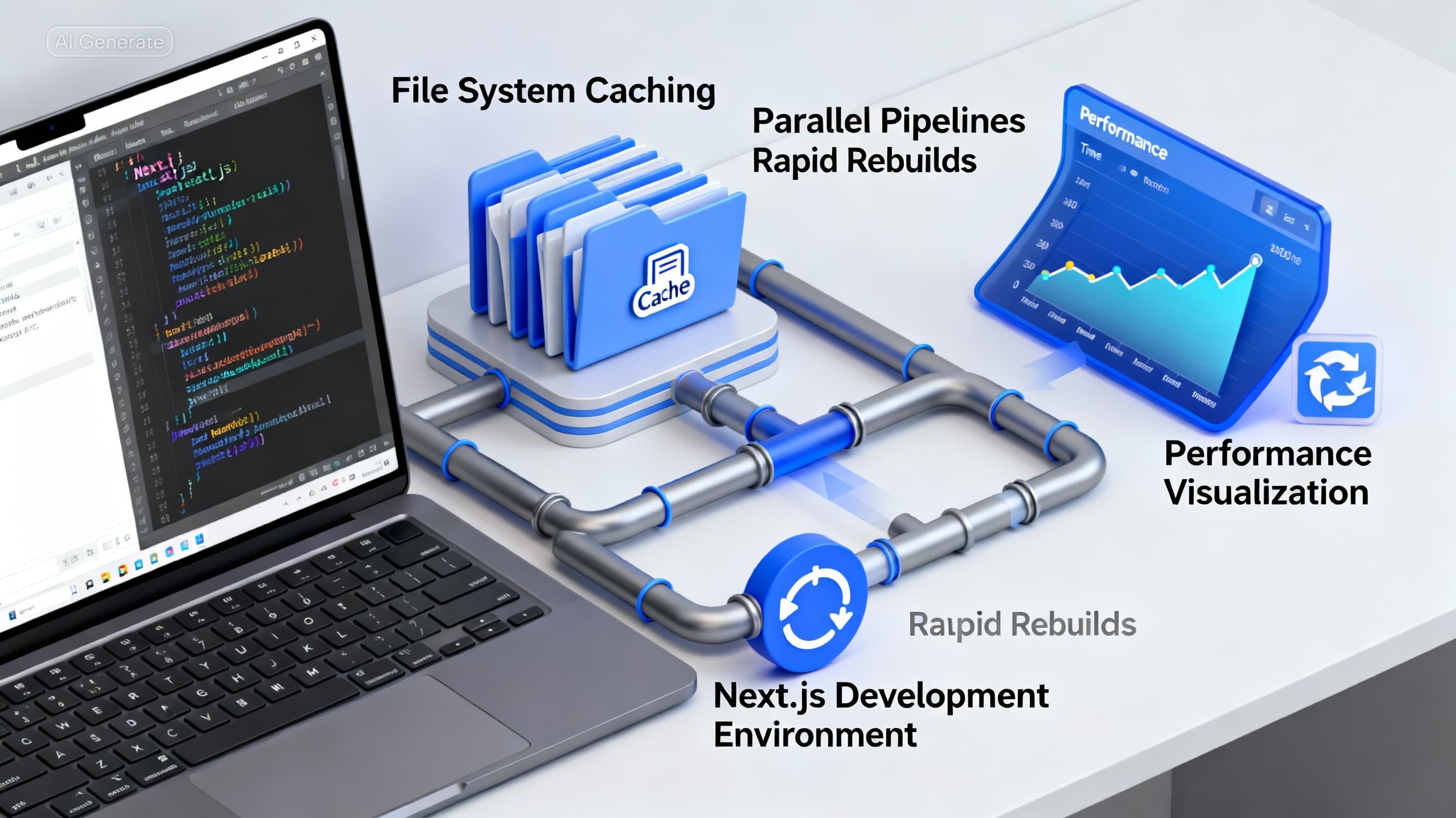
turbopackFileSystemCacheForDev enables persistent file-system caching during development.
In practical terms:
- The first build behaves like a normal cold start
- Build outputs are written to disk
- On subsequent restarts, Turbopack reuses cached results
- Only files that actually change are recompiled
- Dev server restarts and HMR updates become significantly faster
You can think of this as moving from an in-memory-only dev workflow to one where the bundler remembers previous work across restarts.
Expected Performance Improvements
Before Enabling the Cache
In medium-to-large projects, especially with TypeScript:
- Dev server boot time increases as the codebase grows
- Hot reloads introduce noticeable delays
- Route refreshes can trigger multi-second rebuilds
- Monorepos amplify all of the above
After Enabling the Cache
Once the initial build is complete:
- Dev server restarts are noticeably faster
- Hot reloads are often near-instant
- TypeScript-heavy components see a major improvement
- Large monorepos benefit the most
Important detail: cold start performance does not change. The gains show up after the first successful build.
Does This Make Your App “Lightning Fast”?
Short answer:
- Development: Yes, especially after the first run
- Production: No impact at all
This flag strictly improves the developer experience. It does not change production bundle output, size, or runtime performance.
Experimental Caveats
Despite being usable day-to-day, this is still an experimental feature. A few practical concerns to keep in mind:
- Cache invalidation can occasionally break
- Deleting the .next directory may be required if things get out of sync
- Stability varies with dependency graphs and project size
- Some tooling ecosystems (Storybook, Jest, custom dev tooling) may not fully align with Turbopack yet
- Source maps may be less predictable than Webpack in certain setups
For most teams, these issues are manageable, but they are real.
When You Should Enable It
This flag is a good fit if you:
- Work on a large Next.js codebase
- Regularly restart the dev server
- Rely heavily on TypeScript
- Care about fast HMR feedback loops
- Use a monorepo setup (especially with Turborepo)
In these cases, the productivity gains are noticeable.
When You Should Avoid It
You may want to hold off if:
- Your project depends on custom Webpack loaders
- You use tooling that does not support Turbopack yet
- You rely on highly stable and predictable source maps for debugging
- Your setup already has tight coupling to Webpack internals
Final Takeaway
turbopackFileSystemCacheForDev does not magically optimize your application, but it significantly improves development iteration speed once the cache is warm.
For large, TypeScript-heavy projects, especially in monorepos, enabling it can remove a lot of day-to-day friction. Just be prepared to occasionally clear caches and accept some experimental rough edges.
If your priority is faster feedback during development, this flag is absolutely worth trying.
Get more dev insights
Join other developers getting community updates, new articles, and real-world learnings. No spam.

Written by
TermTrix
Building learning-driven tech communities at TermTrix. Writing about modern web development, system design, and developer tooling.