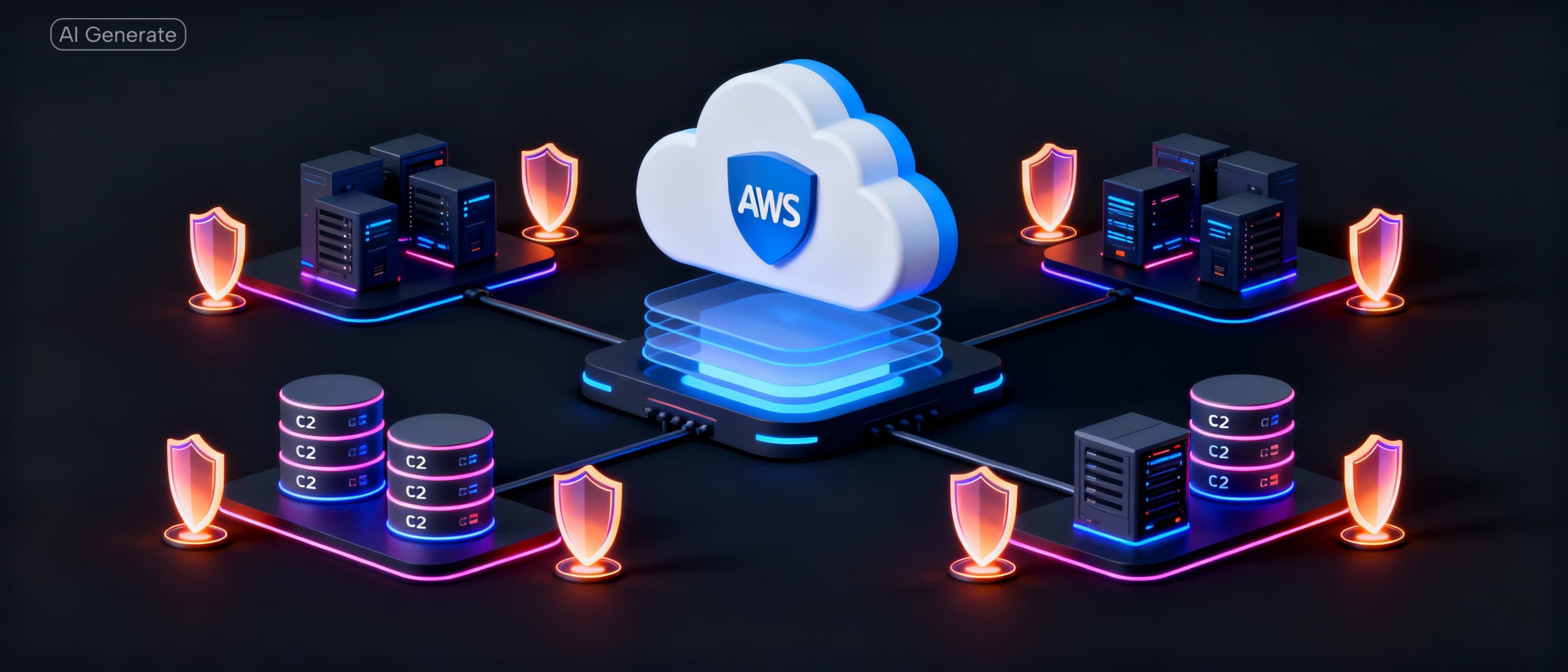
🔐 How to Create a Perfect AWS Security Group (Without Breaking Your App)
TΞRMTRIX
When people say “my EC2 is secure”, most of the time it isn’t.
Open ports, default security groups, public databases — these are some of the most common (and dangerous) AWS mistakes.
In this article, I’ll walk you through how to design a perfect AWS Security Group (SG) using least-privilege principles, without downtime, and without guesswork.
This approach works for:
- EC2
- RDS (PostgreSQL / MySQL)
- ElastiCache (Redis)
- Docker-based backends
- Production & staging environments
🔍 What Is a Security Group (Really)?
An AWS Security Group is a stateful virtual firewall that controls:
- Inbound traffic — who can connect to your resource
- Outbound traffic — where your resource can connect
Key rule
If a port is not explicitly allowed, it is blocked.
Security Groups work at the network interface level, not inside your OS.
❌ The Biggest Mistake People Make
Using one security group for everything — usually the default SG — and opening ports like:
0.0.0.0/0 → 22 0.0.0.0/0 → 5432 0.0.0.0/0 → 6379
This makes your infrastructure:
- Easy to hack
- Hard to audit
- Impossible to scale securely
✅ The “Perfect SG” Design (Production-Ready)
Instead of one SG, we use multiple purpose-based security groups.
Target Architecture
Internet ↓ Backend EC2 (backend-sg) ↓ RDS PostgreSQL (rds-sg) ↓ ElastiCache Redis (redis-sg)
Each layer trusts only the layer above it.
🧱 Step 1: Create a Backend Security Group (backend-sg)
Attach this SG to your EC2 backend
(FastAPI, Node.js, Django, etc.)
Inbound Rules
HTTP (80) → 0.0.0.0/0 HTTPS (443) → 0.0.0.0/0 SSH (22) → Your IP only (x.x.x.x/32)
Why this is correct
- Web traffic is public
- SSH is restricted
- No database or cache ports are exposed
❌ Do NOT add
- PostgreSQL (5432)
- Redis (6379)
- Custom internal ports
🗄️ Step 2: Create a Database Security Group (rds-sg)
Attach this SG only to your RDS instance.
Inbound Rules
PostgreSQL (5432) → Source: backend-sg
✔ Yes — the source is another security group, not an IP.
Why this is powerful
- Only EC2s using
backend-sgcan connect - No public access
- No IP allowlists to maintain
❌ Never use
0.0.0.0/0
🧠 Step 3: Create a Redis Security Group (redis-sg)
Attach this SG only to ElastiCache Redis.
Inbound Rules
Custom TCP (6379) → Source: backend-sg
Why this matters
- Redis is one of the most attacked services
- Public Redis = instant compromise
- SG-to-SG access is the safest option
🚫 Step 4: Stop Using the Default Security Group
Your default SG should have NO inbound rules.
Best practice
- Do not attach it to EC2
- Do not attach it to RDS
- Do not attach it to Redis
Think of it as a parking lot, not a firewall.
🔄 Step 5: Attach the Right SGs (Order Matters)
Always do this without downtime:
- Attach the new SG first
- Verify the app works
- Then remove the old SG
Example (EC2)
Before
default
After
backend-sg
⚠️ Never delete rules before attaching the correct SG.
🚨 Common Red Flags (Fix Immediately)
5432 → 0.0.0.0/06379 → 0.0.0.0/0- SSH open to the world
- Databases using the default SG
- One SG attached to everything
✅ Final Checklist for a “Perfect” Security Group Setup
- ✅ Separate SG per service
- ✅ SG-to-SG rules instead of IPs
- ✅ No public DB or Redis ports
- ✅ Default SG unused
- ✅ SSH restricted or replaced with SSM
🏁 Final Thought
A perfect Security Group is not about opening fewer ports —
it’s about opening ports only to the right source.
Once you adopt this pattern, your AWS infrastructure becomes:
- Safer
- Easier to reason about
- Ready for production scale
Get more dev insights
Join other developers getting community updates, new articles, and real-world learnings. No spam.

Written by
TermTrix
Building learning-driven tech communities at TermTrix. Writing about modern web development, system design, and developer tooling.