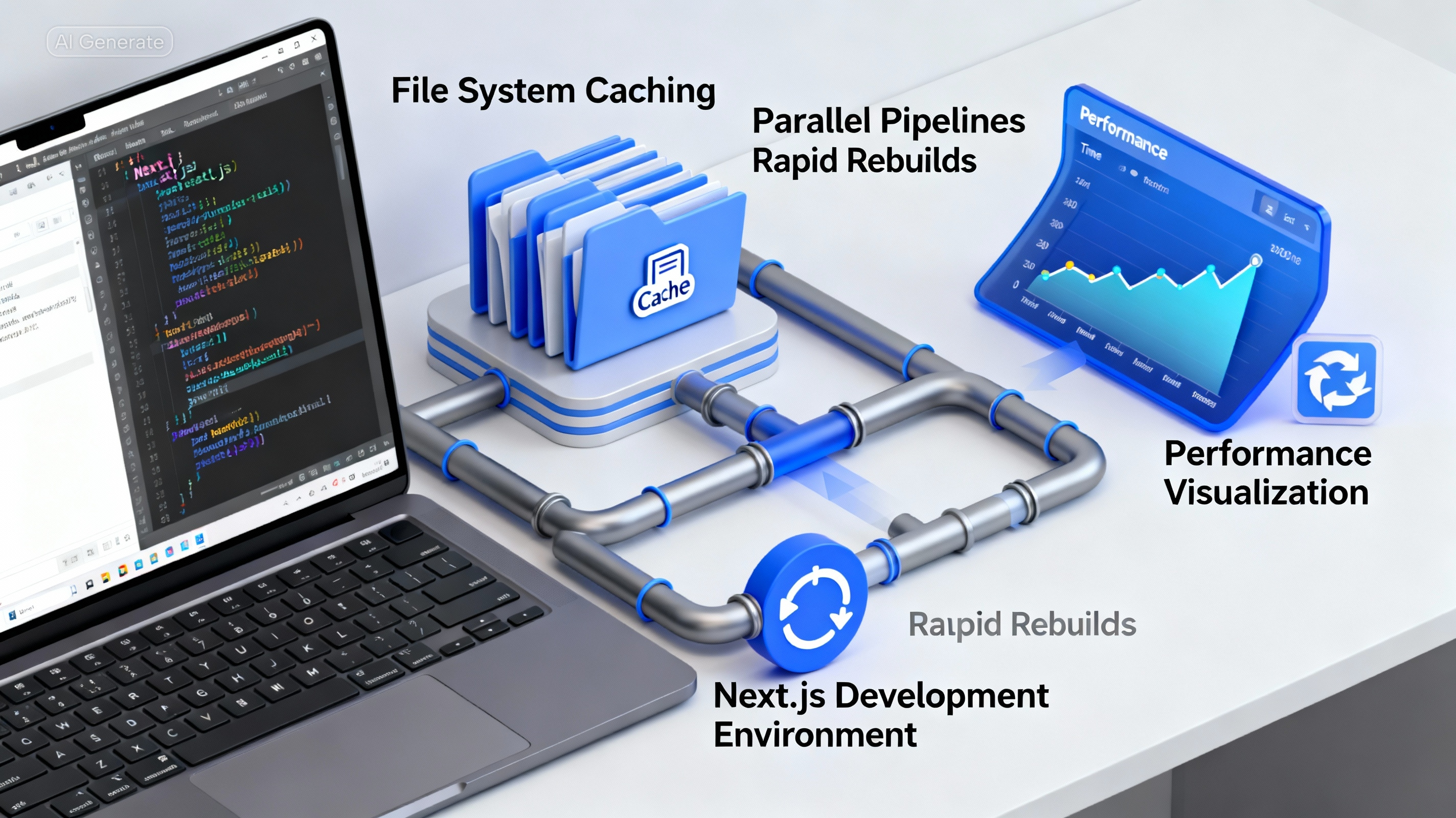
If you're working with Next.js 14 or newer, you've probably seen increasing discussion around Turbopack — the Rust-based bundler designed to eventually replace Webpack.
One experimental flag in particular has been getting attention:
turbopackFileSystemCacheForDev
The name sounds promising, but what does it actually do?
More importantly:
Does it make your application faster?
Let's break down what this flag does, the performance improvements you can realistically expect, and when it's worth enabling in a production-scale codebase.
Enabling turbopackFileSystemCacheForDev
The flag is configured in your next.config.ts file:
const nextConfig = {
    experimental: {
        turbopackFileSystemCacheForDev: true,
    },
};

export default nextConfig;
A crucial detail:
This setting only affects development mode.
It has zero impact on production builds, deployment artifacts, or runtime performance.
What This Setting Actually Does
By default, development builds primarily rely on in-memory state.
When you restart the development server, much of the previous work must be performed again.
Enabling:
turbopackFileSystemCacheForDev: true
allows Turbopack to persist build artifacts to disk.
That means:
- The first build behaves like a normal cold start
- Compiled outputs are cached on disk
- Subsequent server restarts can reuse cached work
- Only changed files require recompilation
- Incremental builds become significantly faster
You can think of it as giving Turbopack memory across restarts.
How the Development Workflow Changes
Without filesystem caching:
Start Dev Server
       ↓
Compile Everything
       ↓
Work
       ↓
Restart Server
       ↓
Compile Everything Again
With filesystem caching enabled:
Start Dev Server
       ↓
Compile Everything
       ↓
Cache Results
       ↓
Restart Server
       ↓
Reuse Cached Artifacts
       ↓
Compile Only Changes
The difference becomes increasingly noticeable as projects grow.
Expected Performance Improvements
The actual gains depend heavily on project size.
Before Enabling the Cache
As a codebase scales, developers often notice:
- Longer dev server startup times
- Slower Hot Module Replacement (HMR)
- Multi-second route refreshes
- TypeScript compilation bottlenecks
- Monorepo rebuild overhead
These delays accumulate throughout the day.
After Enabling the Cache
Once the initial build has completed:
- Dev server restarts become noticeably faster
- Hot reloads often feel near-instant
- Incremental TypeScript recompilation improves
- Route refreshes become more responsive
- Large monorepos benefit substantially
The larger the project, the more dramatic the improvement tends to be.
The Important Caveat: Cold Starts Don't Improve
One misconception is that this flag magically speeds up every build.
It doesn't.
Your first build still performs all compilation work.
First Run
    ↓
Normal Build Time
The benefit appears on subsequent runs:
Second Run
    ↓
Reuse Cached Results
    ↓
Faster Startup
Think of it as a warm-cache optimization, not a cold-start optimization.
Does It Make Your App "Lightning Fast"?
The answer depends on what you mean by "fast."
Development Experience
Yes.
Once the cache is populated, iteration speed can improve dramatically.
You'll spend less time waiting for:
- Restarts
- Rebuilds
- HMR updates
- TypeScript recompilation
Production Performance
No.
This flag does not affect:
- Bundle size
- Runtime execution speed
- Server response times
- Static generation output
- Client-side performance
Users visiting your application will not notice any difference.
Only developers will.
Experimental Caveats
Although the feature is already useful, it remains experimental.
That means a few rough edges still exist.
Cache Invalidation Issues
Occasionally Turbopack may reuse stale cache entries.
When that happens, a manual cleanup is often required:
rm -rf .next
Then restart the development server.
Dependency Graph Complexity
Projects with:
- Complex workspace structures
- Custom build pipelines
- Unusual dependency trees
may encounter inconsistent behavior.
Tooling Compatibility
Some tools are still catching up to Turbopack.
Potential friction points include:
- Storybook
- Jest configurations
- Custom development tooling
- Webpack-specific plugins
Compatibility has improved significantly, but it's not perfect yet.
Source Maps
Debugging experiences may differ from Webpack.
In some setups:
- Source maps can be less predictable
- Stack traces may look different
- Debugging workflows may need adjustment
This isn't universal, but it's worth keeping in mind.
When You Should Enable It
This flag is particularly valuable if you:
Work on a Large Next.js Application
More code means more opportunities for caching to help.
Use TypeScript Heavily
Large type graphs benefit significantly from incremental compilation.
Frequently Restart the Dev Server
Persistent caching shines when restarts are common.
Depend on Fast HMR Cycles
Shorter feedback loops improve developer productivity.
Use a Monorepo
Especially when paired with:
- Turborepo
- Shared packages
- Internal libraries
the performance gains become much more noticeable.
When You Should Avoid It
You may want to wait before enabling it if your project:
Relies on Custom Webpack Loaders
Turbopack doesn't support every Webpack customization.
Uses Tooling That Requires Webpack
Some ecosystems still assume Webpack-specific behavior.
Depends on Extremely Stable Source Maps
If debugging precision is critical, validate the workflow first.
Is Deeply Coupled to Webpack Internals
Migration effort may outweigh the benefits.
Realistic Expectations
A good way to think about this feature is:
ScenarioImprovementFirst startupLittle to noneSubsequent restartsSignificantHMR updatesOften fasterLarge TypeScript projectsSignificantMonoreposSignificantProduction runtimeNone
It's a developer productivity optimization, not an application performance optimization.
Final Takeaway
turbopackFileSystemCacheForDev doesn't magically optimize your Next.js application.
What it does optimize is the development experience.
For large TypeScript-heavy projects—especially monorepos—the improvement in iteration speed can be substantial once the cache is warm.
You'll spend less time waiting for:
- Server restarts
- Rebuilds
- Route refreshes
- Hot reloads
The feature is still experimental, so occasional cache cleanup and minor tooling quirks are part of the tradeoff.
If your goal is faster feedback during development, this flag is absolutely worth testing in your workflow.